
Easter Event Organizer Resources: Printable Day-Of Volunteer Instructions
Set Up Your Easter Event Helpers for Success
Last Updated February 23, 2026
The eggs are stuffed. The baskets are fluffed. The candy is sorted by color (obviously). 🐣✨
Now let’s make sure your volunteers feel just as ready as your event décor.
Because here’s the truth: even the most egg-cellent Easter event can feel scrambled if helpers don’t know where to park, when to arrive, or where to check in. Clear communication = calm organizers, confident volunteers, and a smooth, joy-filled day.
That’s where SignUp comes in. 💙

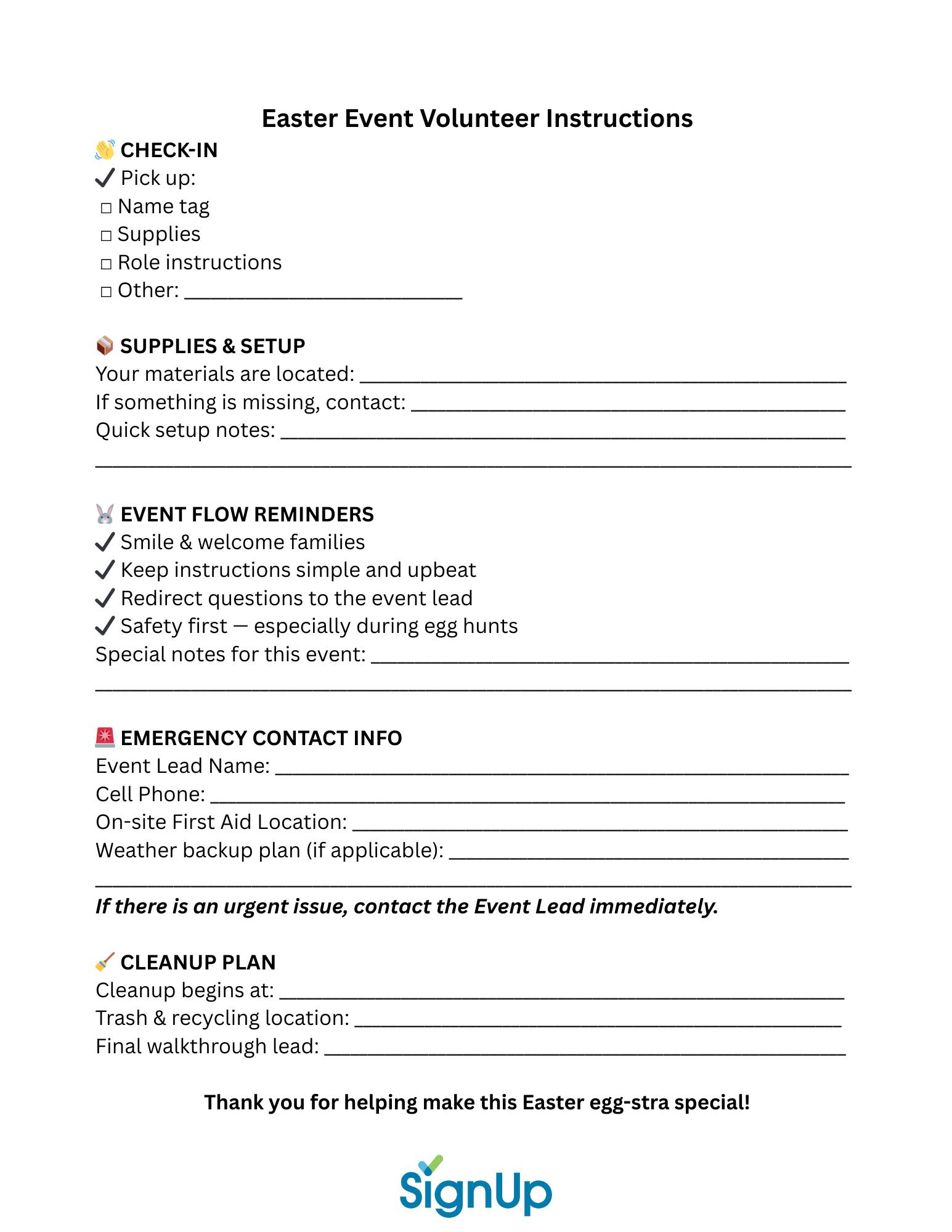
Free One-Page Day-Of Volunteer Instructions Printable 📝🐣
Want to make event day feel calm, clear, and completely under control? Our free one-page Day-Of Volunteer Instructions printable keeps everything your helpers need in one easy spot. Simply fill it in, print, and share (or email as a PDF) so every volunteer shows up confident, prepared, and ready to make some Easter magic happen. ✨
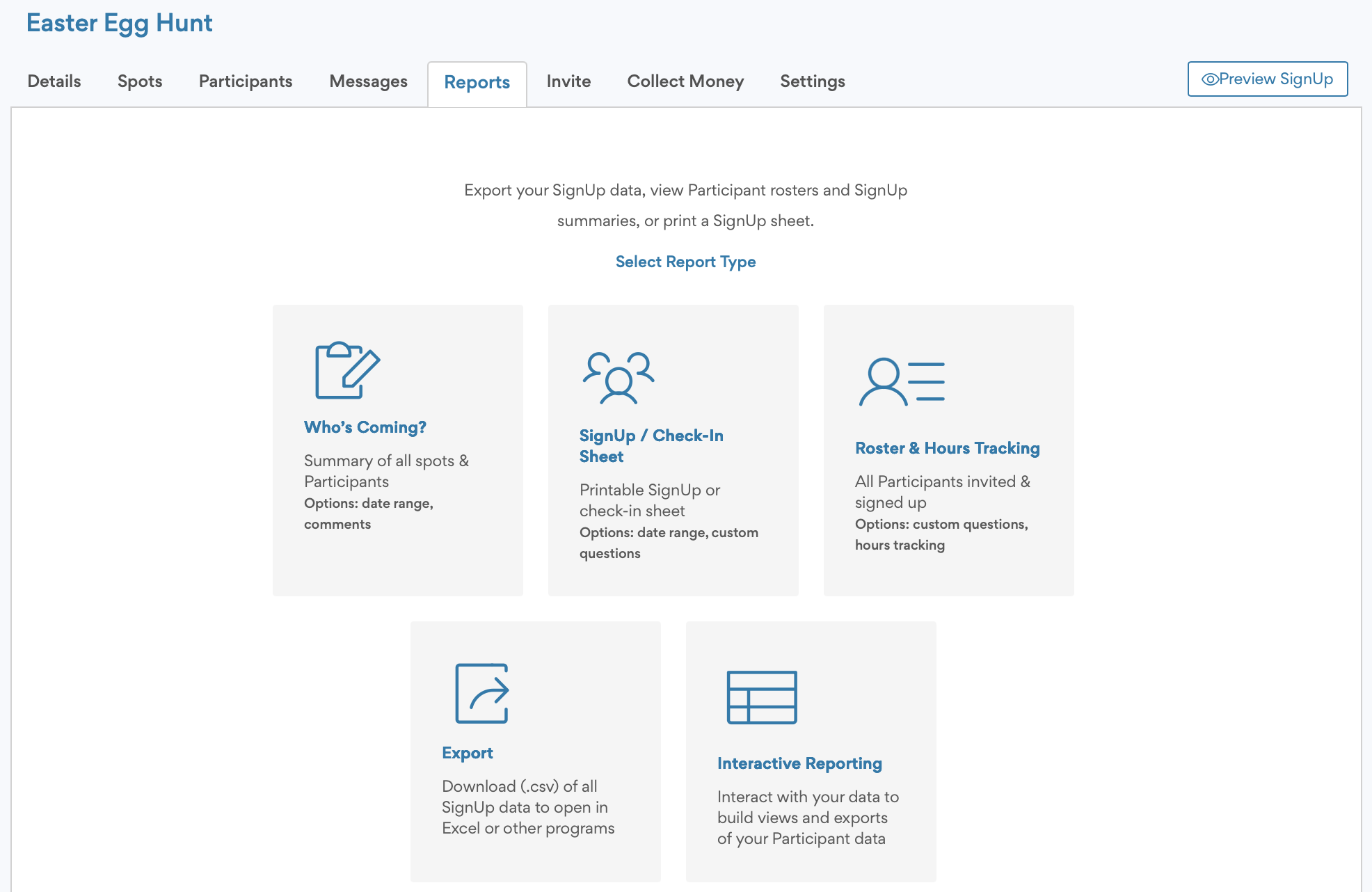
💡 Pro Tip: From your Easter SignUp's Reports Tab, you can view your list of volunteers and a printable check-in sheet for your Volunteer Welcome table. (Alternatively, see who to expect from your phone. Premium members can authorize supervisors to use electronic Participant Check-in from their phones.)
FAQs: Easter Event Day-Of Volunteer Instructions
Q: What information should be included in day-of volunteer instructions?
A: Include arrival time, where to park, who to check in with, supply locations, role details, and an emergency contact. Clear expectations prevent confusion and delays.
Q: When should volunteers arrive before their shift?
A: Ask volunteers to arrive 10–15 minutes early. This allows time to park, check in, review instructions, and get settled before their role begins.
Q: How do you reduce confusion at large Easter or community events?
A: Provide written instructions in advance, post clear signage for parking and check-in, and use a Volunteer Welcome table as a central hub for communication.
Q: Can I customize volunteer message templates in SignUp?
A: Yes. You can copy, paste, and edit the provided message templates inside the Messages tab of your SignUp to match your event’s tone and logistics.
A: Written instructions create consistency, reduce repetitive questions, and help volunteers feel confident and prepared — which leads to a smoother, more successful event.
You May Also Like:
Pastel Backgrounds for Your Easter SignUp
Downloadable Bundle: Complete Easter Event Organizer Toolkit
About the Author

Tara McAdams
Digital Marketing Manager, Content Strategist & Creator
Tara leads content strategy at SignUp and creates a variety of resources on a wide range of topics – including lifestyle trends, parent tips, prep for holidays, volunteer management, and event planning. More about Tara →


